Address Book - Part 5 ( CSS Styling our Angular app )
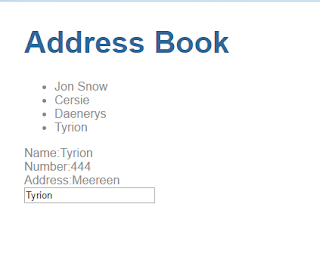
In the previous post , our contact list looked like this: Looks very mundane. Let us beautify our Address Book. CSS styling is the way to go! There are different ways to add styling to our angular app. Make changes in the style.css file in the src folder. This will be applied across the entire app ie global. Adding the style tag to the specific component ..... @ Component({ selector : 'contacts' , templateUrl : './contacts.html' , styles : [ ` .contactList { padding: 0 ; } .contactList li{ list - style - type: none ; padding: 0.25em ; width: 15em ; cursor: pointer ; background - color: lightblue ; color: navy ; border: 0.01em solid lightgrey; border - radius: 0.2em ; text - align: left ; margin: 0.5em ; } .contactList li: hover { background - color: dodgerblue ! important; color: white ; } .contactList li.selected: hover { background - color: yellow ; } ` ] }) export class Con...