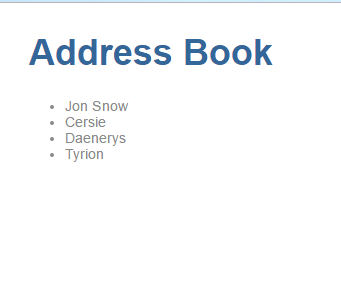
Address Book - Part 4 ( Multiple Components and use of @Input)
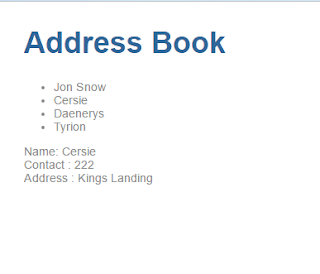
Let us continue from where we left in the previous post . In this post we will Make our address book project modular. Having Input to our components Our app.component.ts is doing everything, it is holding all the data displaying all the components. If in future, we have to add a few more features to the address book module, chances are the entire file will become a mess. (Here we need to note that atleast our contact.html is a different file, having it in the same class would reduce code readability) In Step 1 , we will convert our existing code into a modular code. We will create a contact.ts class, which will hold the class Contact. export class Contact { name : String ; contactNumber : Number ; address : String ; } Next, we will create a contact.dummy.ts which will hold the dummy data of the Contacts. import { Contact } from './contact' ; export var DUMMY_CONTACTS : Contact [] = [{ name : "Jon Snow" , cont...